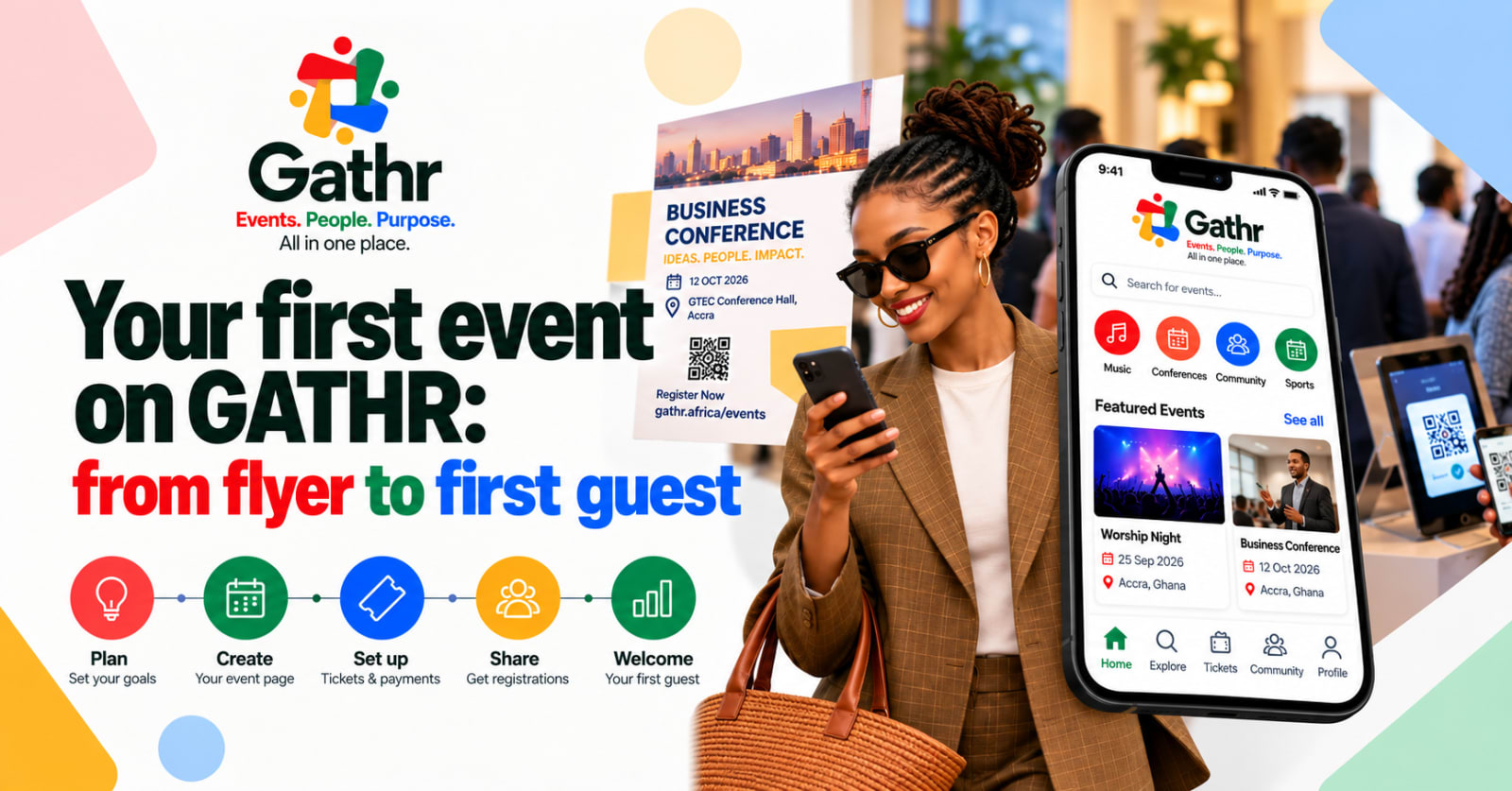
Most events don't go wrong on the day. They go wrong weeks earlier: a registration form that asks too much, a ticket price nobody checked, and a flyer with no link on it. This checklist walks you from the first idea to the first guest at the door, using GATHR at each step.
1. Decide what success looks like.
Before you open any tool, write down three numbers: how many people you want in the room, when registration closes, and what each ticket costs. They shape every later decision. A 60-seat workshop and a 600-delegate conference need different forms, different reminders and a different front door.
If the event is free, decide whether you still need to cap numbers. A free event with no cap can fill a room twice over and leave people standing outside.
2. Create your event page
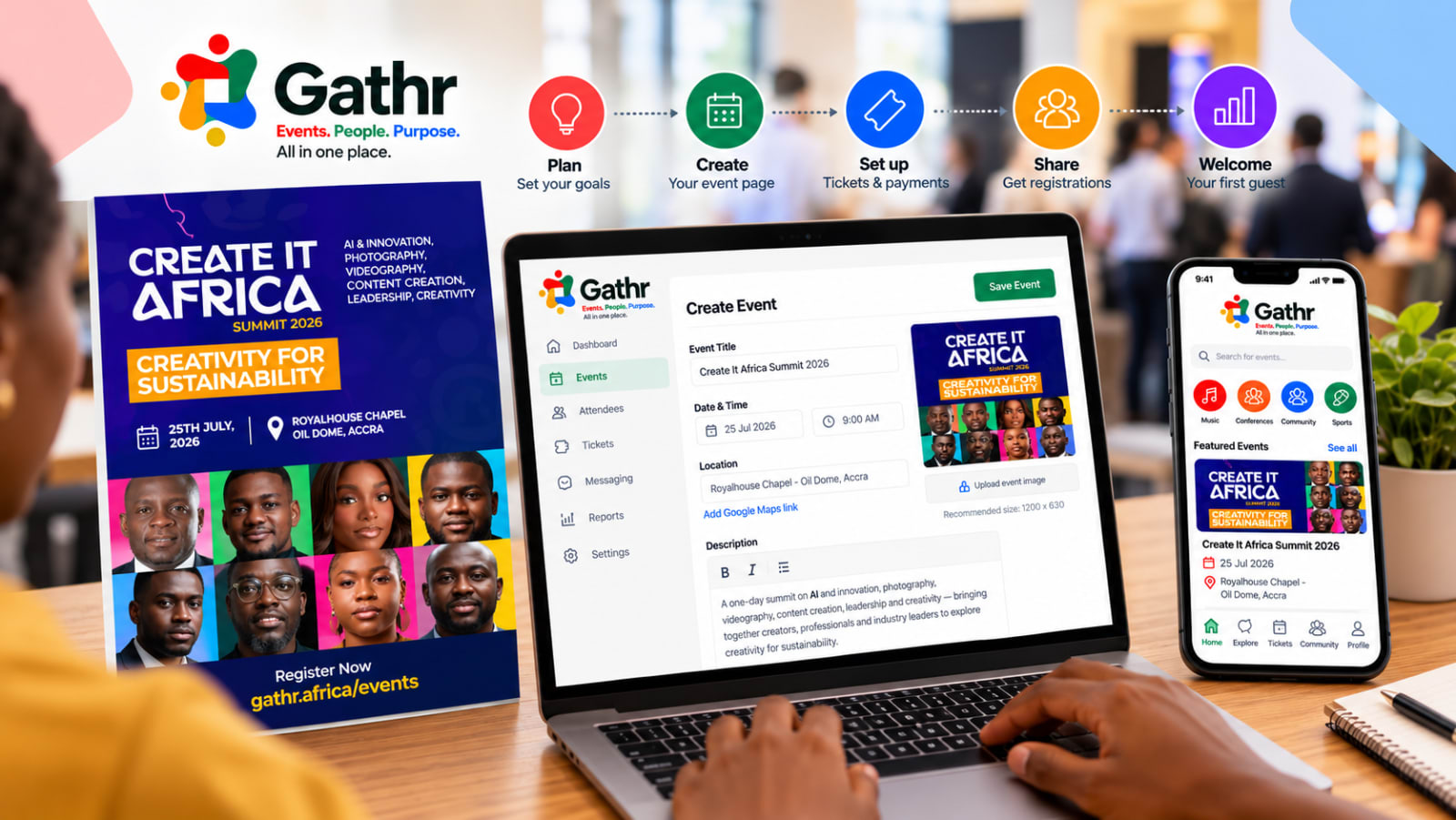
Create your event with the basics people look for first:
A clear title that says what it is: "Accra Product Meetup: Pricing for Startups" beats "PM Night 4".
Date, time and venue, with a Google Maps link so people can find the location or building.
A short description that answers "why should I come?" in two or three sentences, then the details below it.
A flyer or cover picture. It appears on your event page and whenever someone shares the link on WhatsApp, LinkedIn or X.
Your event gets its own address, like gathr.africa/events/your-event, which you can put on the flyer, in WhatsApp groups and on your website.
3. Set up your tickets
Each ticket type has a name, a price (or free), how many are available and when sales open and close.
Common set-ups:
Early bird and standard: a lower price until a date, then the full price.
Member and non-member: different prices for your members, if you're a professional body or association.
Exhibitor or partner packages: for sponsors and stands, with their own price and limit.
Keep the list short. Every extra ticket type adds another decision for your guest.
For paid tickets, guests pay by card or Mobile Money (MTN MoMo, Telecel Cash and AT Money) through a secure checkout.
Our guide to selling tickets with Mobile Money covers what to get right.
4. Ask only the questions you'll use
Name, email and phone come built in. Add your own questions only where the answer changes what you do: dietary needs, organisation, job title, which session someone will attend.
A few tips:
Use dropdowns and choices instead of free text where you can. "Which region are you in?" with a list gives you clean data; a text box gives you forty spellings of Greater Accra.
Split long forms into pages. GATHR lets you group questions into sections, so a 19-question form feels like four short steps.
Put consent and declarations at the end with one clear "I agree".
5. Plan your messages
GATHR emails each guest a confirmation with their QR ticket (and SMS reminders if they're switched on for your event), plus reminders before the day. Check the sender name and reply-to address, so when a guest replies, the email reaches you.
If you'll need to send updates (a venue change, a speaker announcement), you can message everyone registered from your dashboard.
6. Share it where your guests already are
Post the link in the WhatsApp groups and pages your audience already reads. Ask speakers and partners to share it too; a link from someone people trust does more than any advert. When you share, the preview shows your flyer and title, so a good cover picture matters.
7. Watch registrations come in
Your dashboard shows who has registered, which tickets are selling, and payments. You can also email a daily report to yourself or your team each morning, with the day's new registrations and a secure link to the full figures.
8. Prepare the front door
The day before, decide who checks people in and which phones or tablets they'll use. The GATHR check-in app scans QR tickets and keeps working if the venue Wi-Fi drops. If you print name badges, test one first. We wrote a whole guide on keeping check-in queues moving.
9. After the event
Thank your guests while the event is fresh, export your attendance list, and look at what sold and when. These numbers make planning the next one easier.
The best events feel effortless to guests because someone made a hundred careful decisions before the doors opened.
Ready to start? Create your event on GATHR: free events cost nothing to run, and paid events have one simple fee, shown on our pricing page.